

Table of Contents
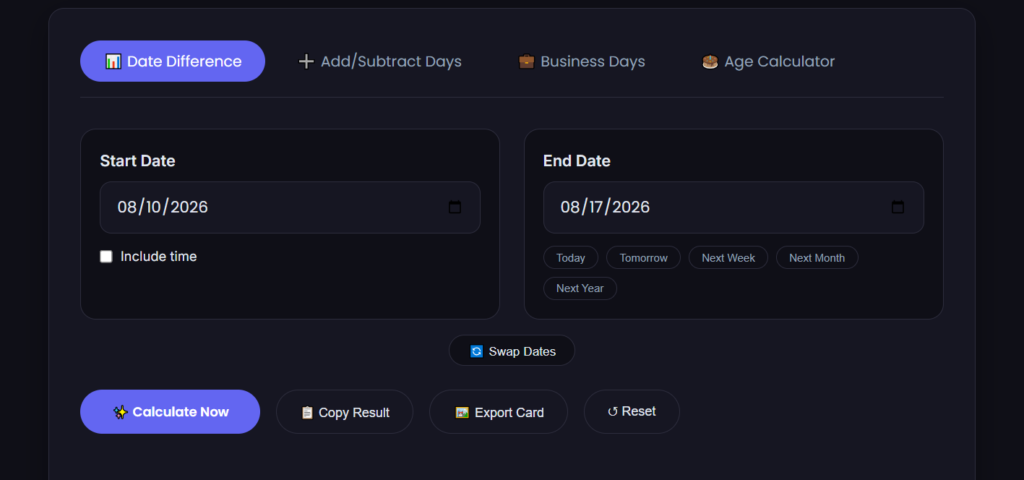
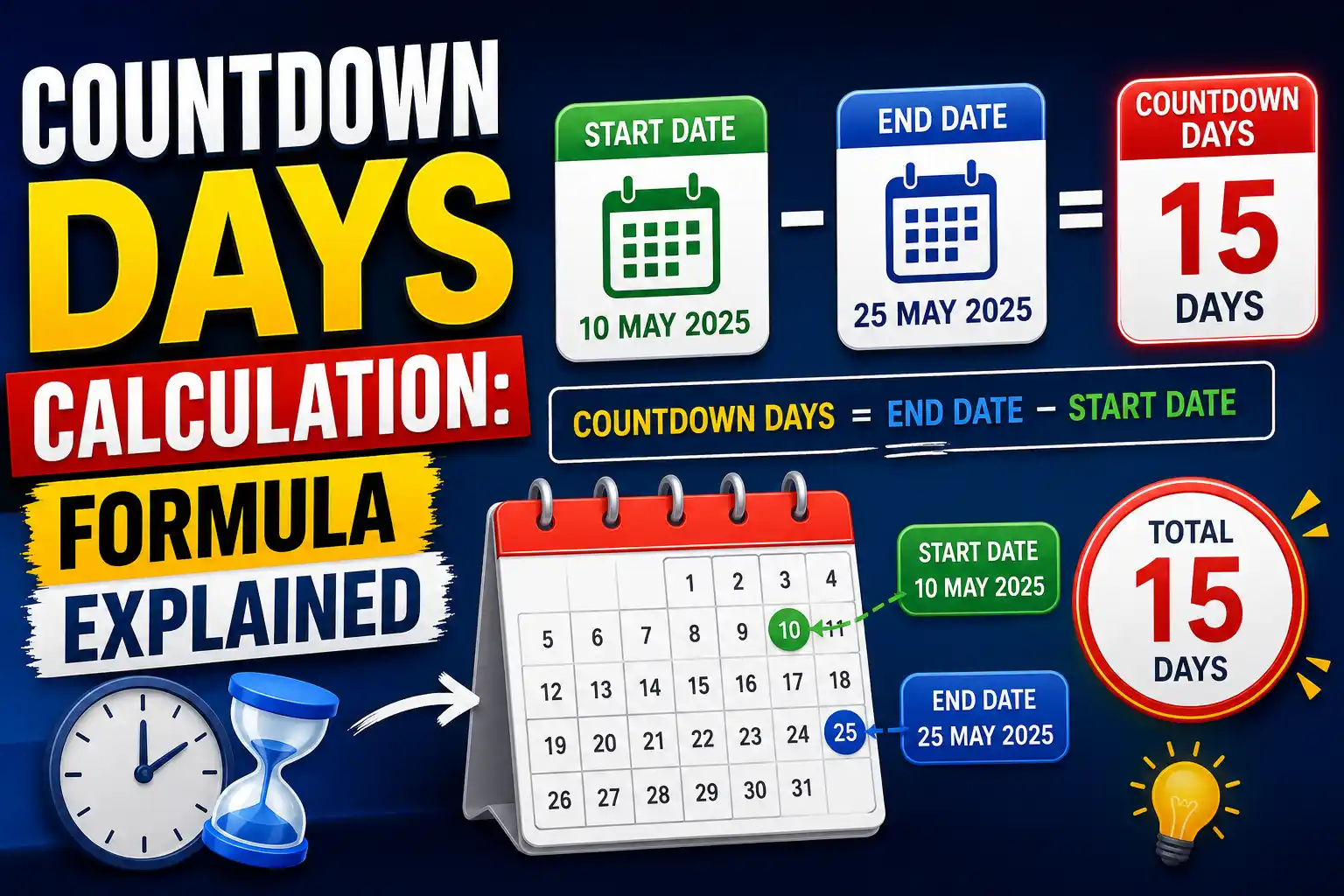
To find the number of days between two dates, subtract the earlier date from the later date. If you're counting by hand, add up the days remaining in the starting month, then the full months in between, then the days into the ending month. The fastest way, though, is to just plug both dates into a date to date calculator and let it do the counting for you — especially once leap years or month-length differences get involved.
Here's how it actually works, plus a real example so you can see the math.
Why "just subtract the dates" isn't quite that simple
If both dates were in the same month, this would be trivial — August 20 minus August 5 is 15 days, done. The tricky part is that months don't have the same number of days. Some have 30, some have 31, February has 28 (or 29), and none of that is obvious just by looking at two dates on a calendar.
So when you're counting across months or years, you're really doing one of two things:
- Manually tallying: days left in the first month + full months in between + days into the last month
- Converting both dates to a single number (like a day count from a fixed reference point) and subtracting
Calculators use the second method because it's exact and doesn't care how many days are in any particular month. That's also why a tool is genuinely useful here — it's not that the math is hard, it's that it's easy to make a small counting error by hand, especially across a leap year or a daylight-saving transition.
A worked example
Let's say you want to know how many days are between June 15, 2026 and August 10, 2026.
Manual method:
- June 15 to June 30 → 15 days
- All of July → 31 days
- August 1 to August 10 → 10 days
15 + 31 + 10 = 56 days
That's the total span between the two dates. If you only wanted full weeks, that's 8 weeks exactly (56 ÷ 7 = 8) — a nice round number, which is a good sanity check that the math above is right.
If you change either date even slightly, the answer changes in ways that aren't always intuitive. For example, June 15 to September 10 isn't "56 plus a bit" — you'd need to add all of August (31 days) on top, giving 87 days. This is exactly the kind of calculation where typing both dates into a date calculator beats doing it in your head, since it's easy to lose track of which months you've already counted.
Things that trip people up
Leap years. Every four years, February gets an extra day (February 29), which shifts every calculation that spans that February. I'd flag this for a fact-check before publishing: the "every 4 years" rule has an exception — century years are only leap years if divisible by 400, so 2000 was a leap year but 1900 was not. 2026 is not a leap year, but any date range that crosses February 2028 will include that extra day.
Inclusive vs. exclusive counting. "How many days between March 1 and March 5" can reasonably mean 4 days (the gap between them) or 5 days (if you're counting March 1 itself as day one). Most calculators default to the gap — the difference — rather than an inclusive count, but if you're using a result for something like a rental period or a deadline, it's worth checking which convention the tool you're using applies.
Time zones. If you're calculating between a date and time (rather than whole calendar dates), and the two points are in different time zones, the "same day" in one zone might already be the next day in another. This one I'd double-check against how our own tool handles it before this post goes live — worth confirming whether the date-to-date calculator treats input dates as time-zone-neutral calendar dates or as timestamps, since that changes edge-case results near midnight.
When you'd actually want this calculation
A few situations where people search for this:
- Figuring out how many days until a deadline, event, or trip
- Calculating someone's exact age in days
- Working out a rental, lease, or contract term
- Tracking pregnancy weeks or medical follow-up windows
- Billing or invoicing across a specific date range
In all of these, the stakes for getting it exactly right are higher than "close enough," which is again where a calculator has an edge over mental math — it won't accidentally forget that April only has 30 days.
FAQ
How do I calculate the number of days between two dates? Subtract the earlier date from the later date, counting every day in between. The easiest way to avoid errors — especially across different month lengths or a leap year — is to enter both dates into a date calculator, which does the count for you instantly.
Does a date calculator count the start and end date, or just the days between them? Most tools calculate the difference between the two dates (an exclusive count), not an inclusive count that adds 1 for the starting day. If your use case needs an inclusive count — like counting both the first and last day of a stay — check how the specific tool handles it, since this varies.
Can I calculate days between dates in different years? Yes — the calculation works the same way whether the two dates are in the same year or years apart. The only thing that changes is you're now also counting any leap years that fall within the range, which adds one extra day for each one.
Once you've got the days between two dates figured out, you might also want to check out our retirement age calculator tool — useful for working out a deadline or future date from today.
Recommendations:
You may like this date calculator as well.
Share this article 👇


0 Comments