

Table of Contents
You can find the days between two dates either by running a quick manual formula or by letting a free calculator do the heavy lifting. Both routes get you to the same number. The formula route helps you understand what's actually happening under the hood. The calculator route saves you from arithmetic mistakes, leap-year oversights, and the particular headache of counting across month boundaries. Most people, once they see the steps involved, happily choose the calculator — but knowing the manual method means you can sanity-check any result.
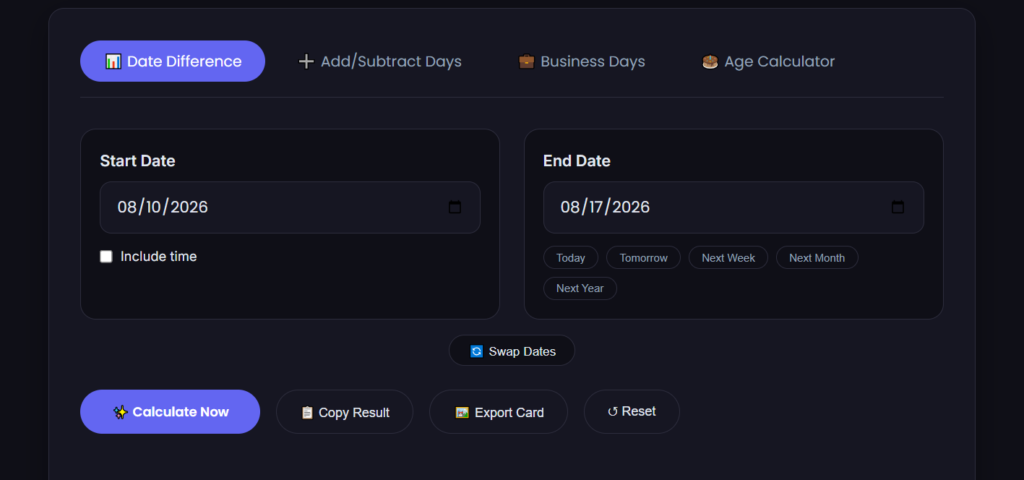
If you want the answer without working through the steps right now, our date-to-date calculator gives you the exact count instantly, plus a breakdown in weeks and months.
The Core Date Difference Formula (Manual Method)
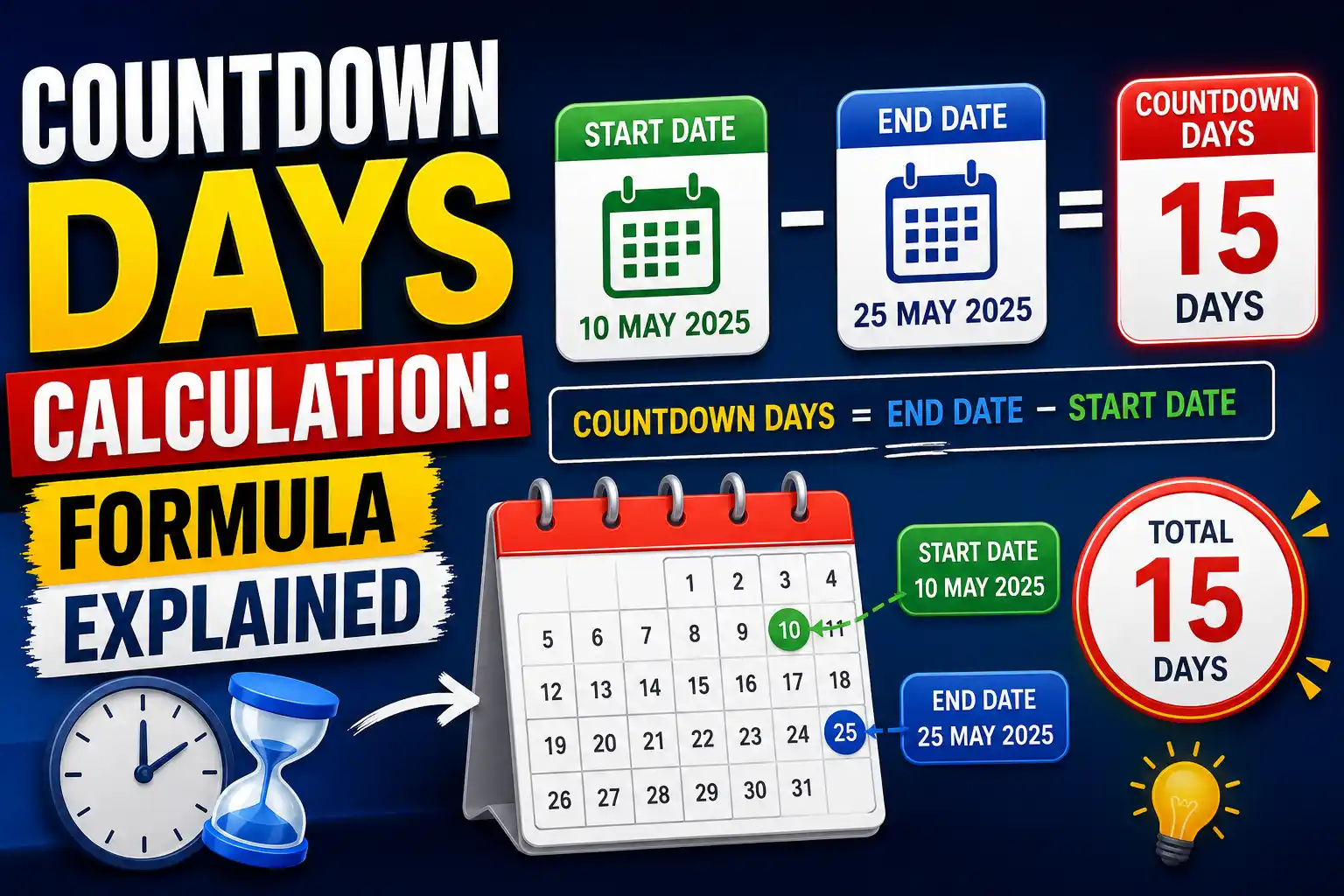
A date difference formula that works on paper follows the same logic a computer uses internally: convert both dates to a single, consistent day count, then subtract. The most common manual approach breaks the gap into three chunks:
- Days left in the start month — count from the day after your start date to the end of that month.
- Days in the full months between — add the total days for each complete month sitting between your start and end months.
- Days into the final month — add the days from the first of the end month up to (but usually not including) the end date itself.
Total = chunk 1 + chunk 2 + chunk 3. That's the days between two dates figure, using the common convention of counting full calendar days between the dates without including the end date.
Worked Example: December 2025 to March 2026
Let's pick real dates and work the formula step by step. Suppose you start on 12 December 2025 and end on 8 March 2026. You want the gap between them.
Chunk 1: Days left in December 2025 after the 12th.
December has 31 days. From 13 December to 31 December inclusive is 19 days. (A quick check: 31 minus 12 equals 19.)
Chunk 2: Full months between December and March.
The complete months sitting in the gap are January 2026 (31 days) and February 2026. Now, is 2026 a leap year? No — leap years are divisible by 4, and 2026 ÷ 4 = 506.5, so February 2026 has 28 days.
January: 31 days
February: 28 days
Full months total: 31 + 28 = 59 days.
Chunk 3: Days into March 2026 before the end date.
We're counting up to but not including 8 March, so that means March 1 through March 7 — exactly 7 days.
Total: 19 + 59 + 7 = 85 days between the two dates.
Run those same dates through the date-to-date calculator on MiniToolsPro and you'll see 85 days (or 12 weeks and 1 day, or approximately 2 months and 26 days — the tool shows all three formats at once). If you toggle the setting to include the end date, it bumps to 86 days. That one-day difference is exactly where a lot of manual counts go wrong, and it's why a tool with a clear inclusive/exclusive option earns its keep.
Where the Manual Formula Gets Tricky
The chunking method is logically straightforward — until real calendars interfere. Here's where people most often slip:
Leap year detection. You must check whether the February sitting inside your date range belongs to a leap year. The rule is clear — divisible by 4, except century years not divisible by 400 — but in practice, people forget to check at all. A date difference formula that spans February 2028 (a leap year, 29 days) versus February 2027 (not, 28 days) differs by one day for otherwise identical date ranges. Get the leap year wrong and every downstream calculation is off.
Month-length recall. Quick — how many days in July? August? November? Most people still recite the knuckle mnemonic or silently run through the rhyme. That pause introduces friction and a non-zero error rate, especially under time pressure.
Inclusive versus exclusive counting. The formula above assumes you don't count the end date. But plenty of real-world scenarios do count it — hotel stays, rental periods, event durations. If you're not crystal clear on which convention applies, you'll be off by one. A good calculator surfaces this choice explicitly; manual formulas tend to bury the assumption.
Year boundaries. Spans that cross a year boundary (like December to January) trip people up less often than month-length issues, but they add a step: remembering to split the month count across the old year and the new year correctly, which can affect how you handle February's leap-year check.
When the Manual Method Is Worth It
There are legitimate reasons to understand the date difference formula even if you plan to use a calculator 99% of the time:
- You're building or auditing software. If you're writing date-handling logic in a spreadsheet, a programming language, or an app, knowing the underlying steps helps you spot bugs — especially around leap years and time zone edge cases.
- You're in an exam or certification setting. Some professional exams (project management, accounting, logistics) test manual date calculation. The chunking method is exactly what they expect you to show.
- You're offline. Rare these days, but if you're on a plane with a paper calendar and no signal, being able to derive the number by hand has real utility.
- You're explaining it to someone else. Teaching a colleague or kid how date math works is easier when you can walk through the chunks, not just point at a tool and say "trust it."
For everything else — which is most daily situations — a days between two dates calculator removes the friction and the error potential in one go.
Free Calculator vs. Manual: Side-by-Side on the Same Dates
Let's take one more example to make the contrast clear. Start date: 3 February 2028 (leap year). End date: 1 May 2028.
Manual formula:
Chunk 1: Days left in February after the 3rd — February 2028 has 29 days. 29 - 3 = 26 days remaining (4th through 29th).
Chunk 2: Full months between — March (31) + April (30) = 61 days.
Chunk 3: Days into May before the 1st — 0 days (we stop at 1 May without including it).
Total: 26 + 61 + 0 = 87 days.
Calculator result: Enter those dates into our two dates calculator and it instantly returns 87 days (or 2 months, 28 days; or 12 weeks and 3 days). Toggle to include the end date and it becomes 88 days. The calculator handled the leap year silently and correctly — no extra thought required on your part.
That side-by-side shows why the tool wins for speed: it does the month-length lookup, the leap-year check, and the arithmetic in milliseconds, and it presents the result in multiple formats you'd otherwise have to compute separately.
When Precision Beyond Calendar Days Matters
The manual formula and most date calculators work at the whole-date level — no hours, no minutes, no time zones. That's perfect for deadlines, contracts, countdowns, and age calculations. But if you need sub-day precision (e.g., "exactly 72 hours from 2:30 PM on a specific date"), a calendar-day calculator isn't the right tool. You'd need a date-time difference calculator instead. Our date-to-date tool deliberately works at the date level to avoid time zone ambiguity, which is a feature for the use cases it targets.
FAQ
What's the quickest way to calculate days between two dates without a computer?
Use the three-chunk method: count the days left in the starting month, add the days of all complete calendar months between the two dates, then add the days into the final month. Don't forget to check if February is 28 or 29 days that year. If the span crosses a leap year's February, the difference versus a non-leap-year span with the same nominal dates is exactly one day.
Does the date difference formula count the start date or end date?
Most manual formulas and calculators count full calendar days between the dates without including the end date. So Monday to Friday is 4 days, not 5. If your use case needs the end date counted (common in hospitality bookings and some legal contexts), add 1 to the result or use a calculator that has an "include end date" option.
Why do I get different results from different date calculators?
The most common reason is the inclusive-versus-exclusive counting convention. One calculator might include the end date by default; another might not. Leap-year handling is occasionally a culprit, but most modern tools get that right. The other variable is whether the tool counts in calendar days or something else (business days, for example). If results differ by exactly one day, it's almost always the inclusive/exclusive setting.
The Formula's Not the Enemy — But the Calculator's Faster
Understanding the date difference formula gives you confidence that the number on screen is correct, and the chunking method is genuinely worth knowing for the handful of times you'll need to do it by hand. But for the daily task of finding the days between two dates — planning a trip, counting down to an event, checking a contract term — a free calculator gives you the right answer in the time it takes to type two dates. No rhyme needed for month lengths, no mental leap-year check, no off-by-one second-guessing.
If you want to see more ways these calculations fit into real planning tasks, read our main date calculator guide for examples, common pitfalls, and related tools.
What the Gregorian Calendar Says About Month Lengths
A date difference formula that works on paper follows the same logic a computer uses internally: convert both dates to a single, consistent day count, then subtract. The most common manual approach breaks the gap into three chunks. First, count the days left in the start month — from the day after your start date to the end of that month. Second, add the total days for each complete month sitting between your start and end months. Third, add the days from the first of the end month up to (but usually not including) the end date itself.
Total equals chunk one plus chunk two plus chunk three. That's the days between two dates figure, using the common convention of counting full calendar days between the dates without including the end date. If you're curious how different calendar systems handle these calculations historically, the Wikipedia entry on the Gregorian calendar lays out month lengths and leap year rules in detail.
Share this article 👇


0 Comments